TsotaLearn Georgian from your Home Screen
Tsota puts Georgian words on your Home Screen and Lock Screen. Every glance at your phone is a quick review: the word, its transliteration, the translation and an example — and spaced repetition brings each card back right before you'd forget it.

iPhone, iPad and Mac · iOS 26, iPadOS 26 or macOS 26 or later · Interface and translations in English, Russian and Ukrainian
How it works
Widgets on Home and Lock Screen
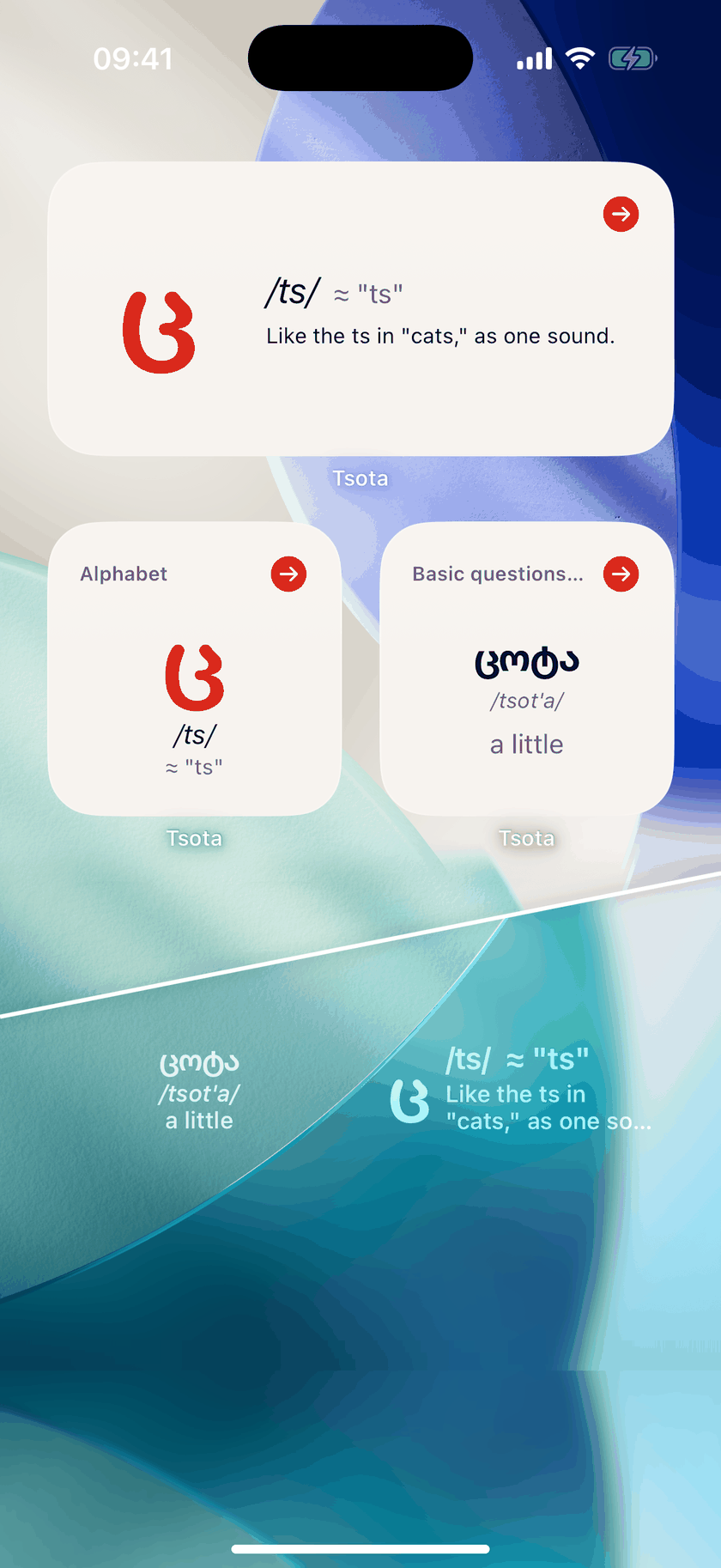
Home Screen widgets show a whole card — Georgian word, transliteration, translation and an example — and switch to the next one during the day or with a tap. A Lock Screen widget shows what's due, and gentle reminders respect your quiet hours.
Spaced repetition
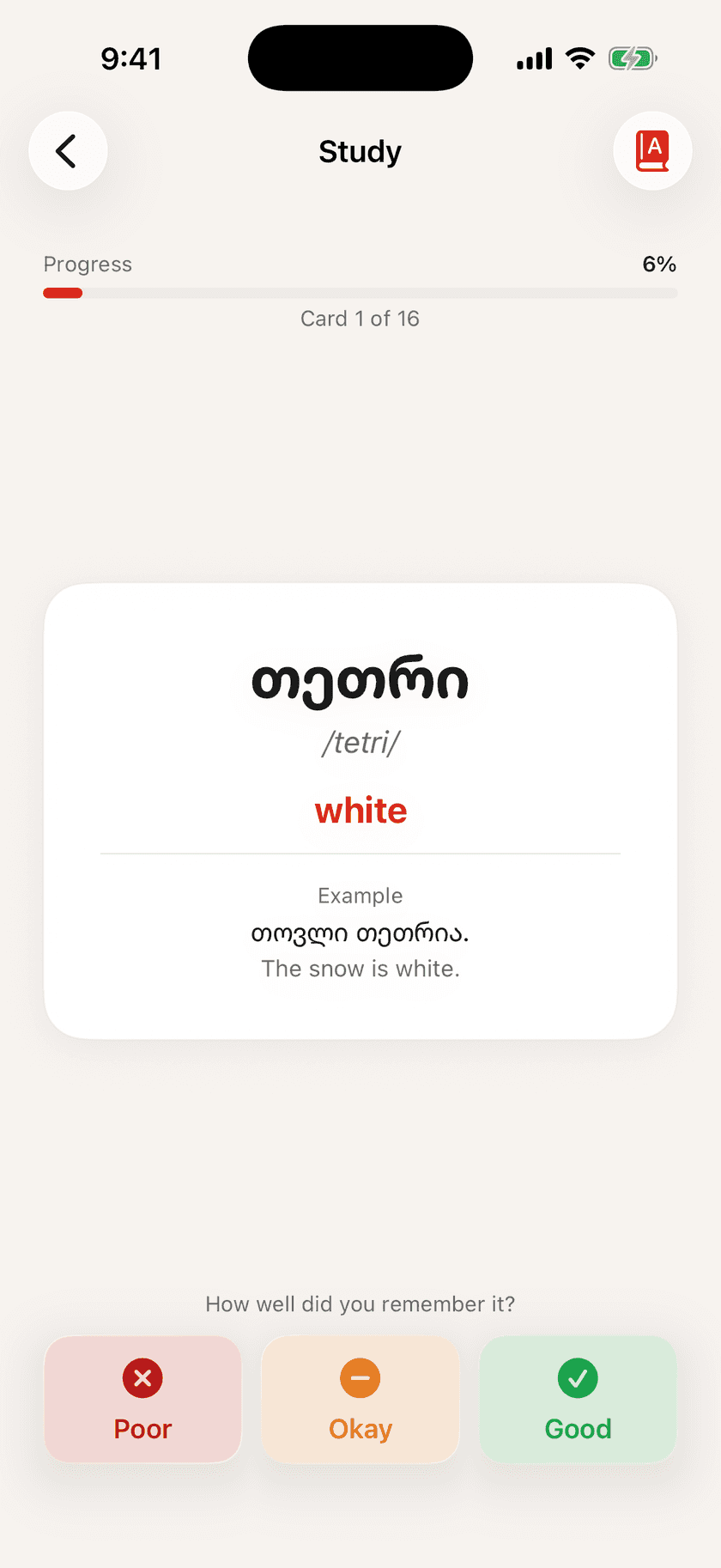
Rate each card Poor, Okay or Good. Tsota schedules the next review with the SM-2 algorithm, so you repeat what you're about to forget.
The Georgian alphabet
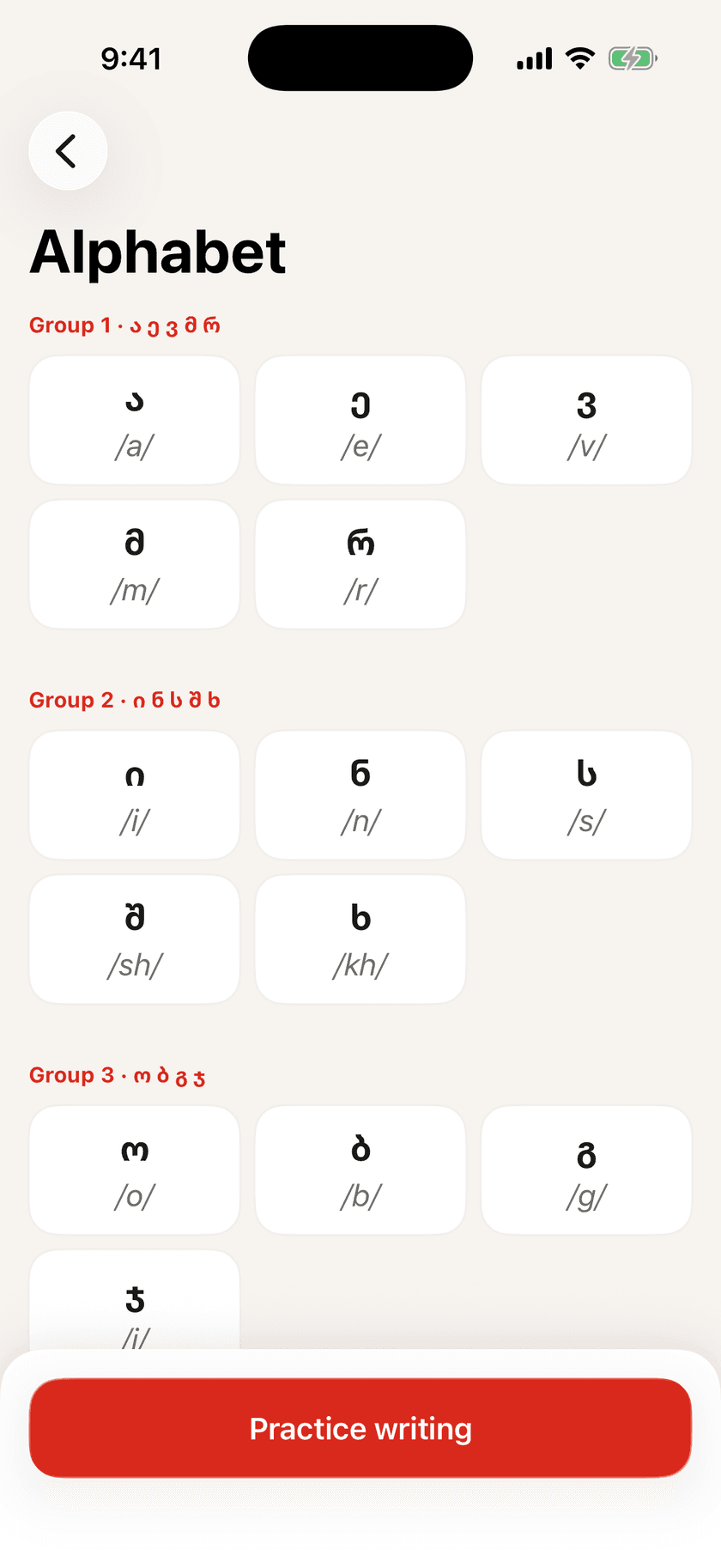
A letter widget cycles through all 33 letters with recorded pronunciation and hints.
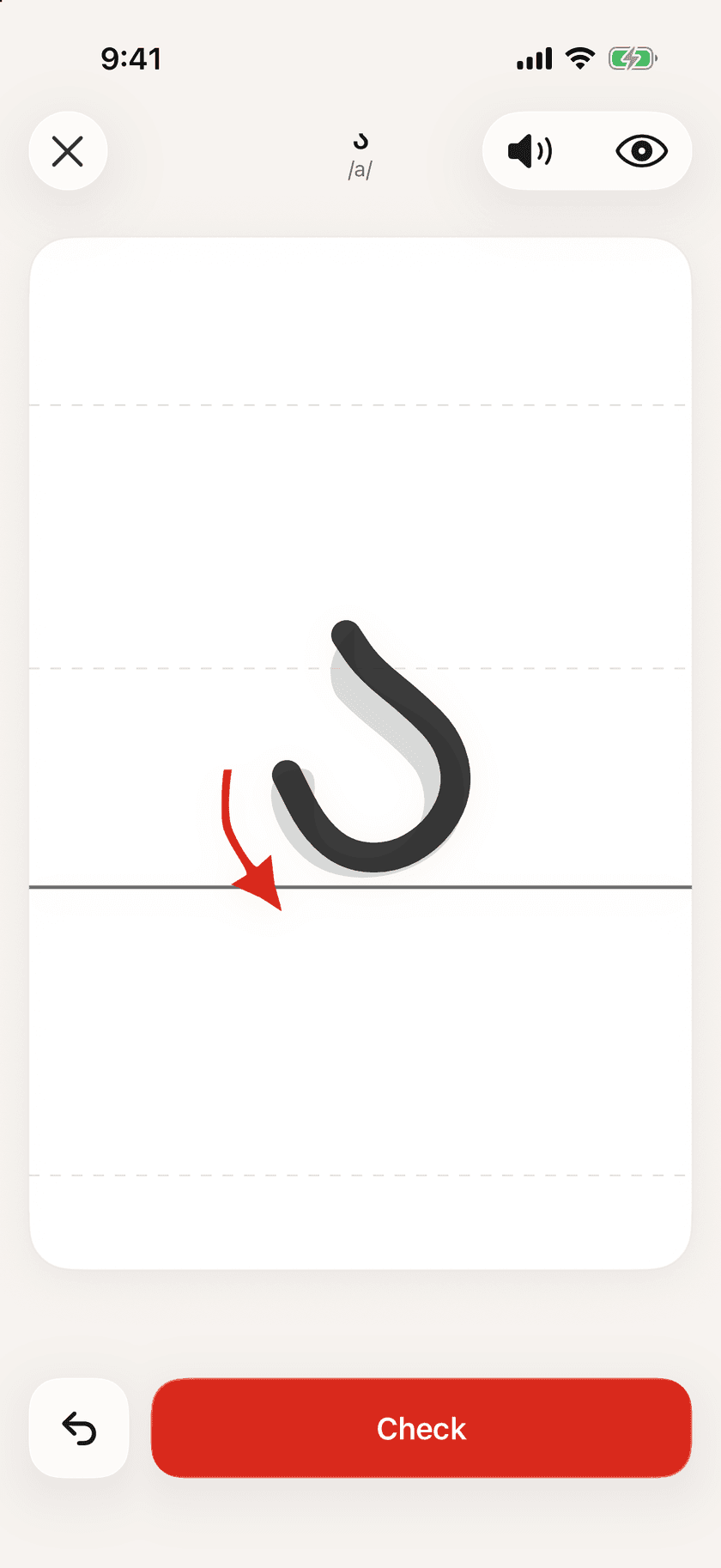
Writing practice
Learn to write every letter: follow the stroke order with your finger or Apple Pencil, then tap Check to see how close you got.
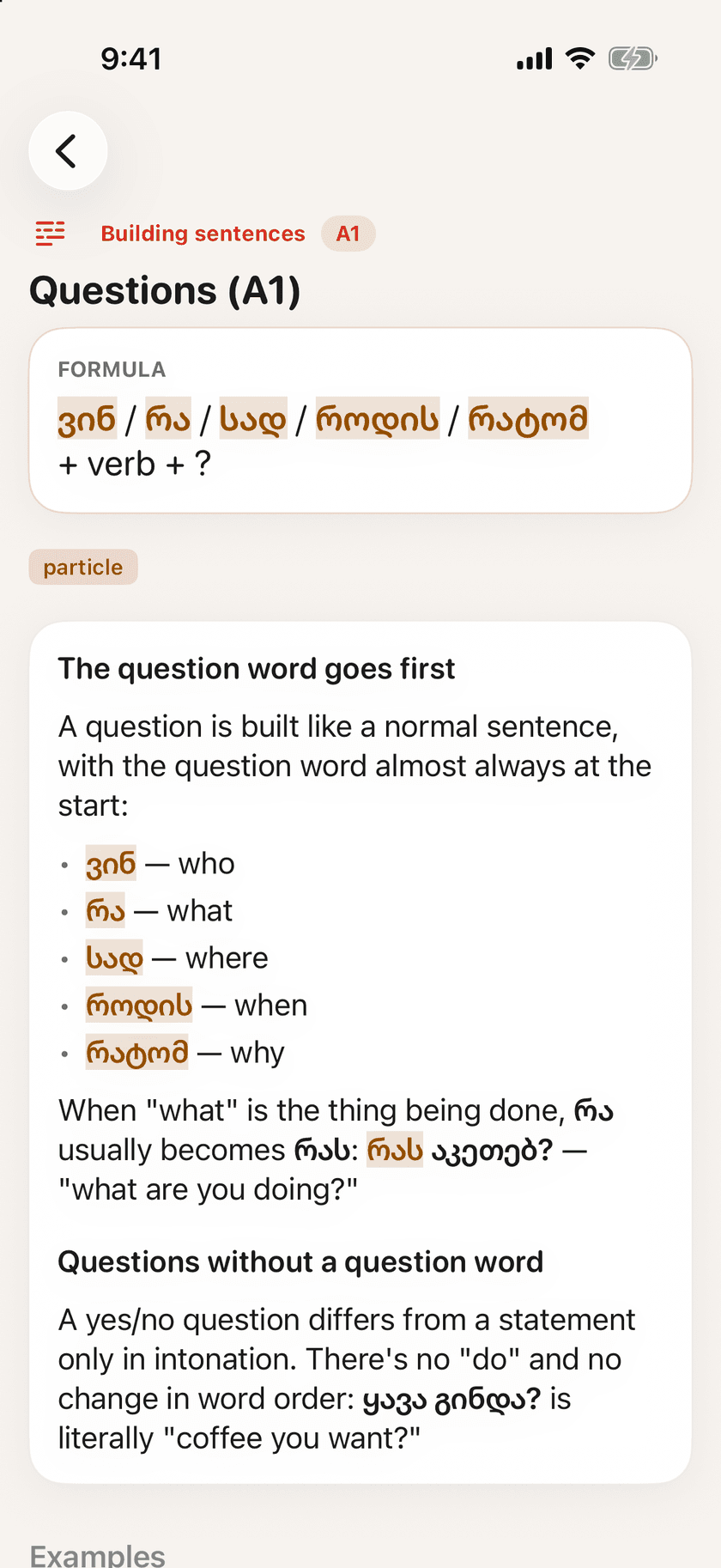
Lessons and grammar
Topic lessons at A1–A2 levels with short grammar notes. Every card is reviewed by a person before it ships.
And more
On iPhone, iPad and Mac
Tsota is a native app on all three, so you can review cards on your Mac as well as on your phone.
Private by design
No account, no ads, no tracking. Your progress stays on your device.
Questions?
Setup help and a contact form are on the support page. How Tsota handles your data is described in the privacy policy.